Testing & Execution
AI-generated test cases, live execution, and full traceability from requirement to defect.
How It Works
Generate test scripts in three easy steps. Create accurate and error-free scripts for any software application.
-
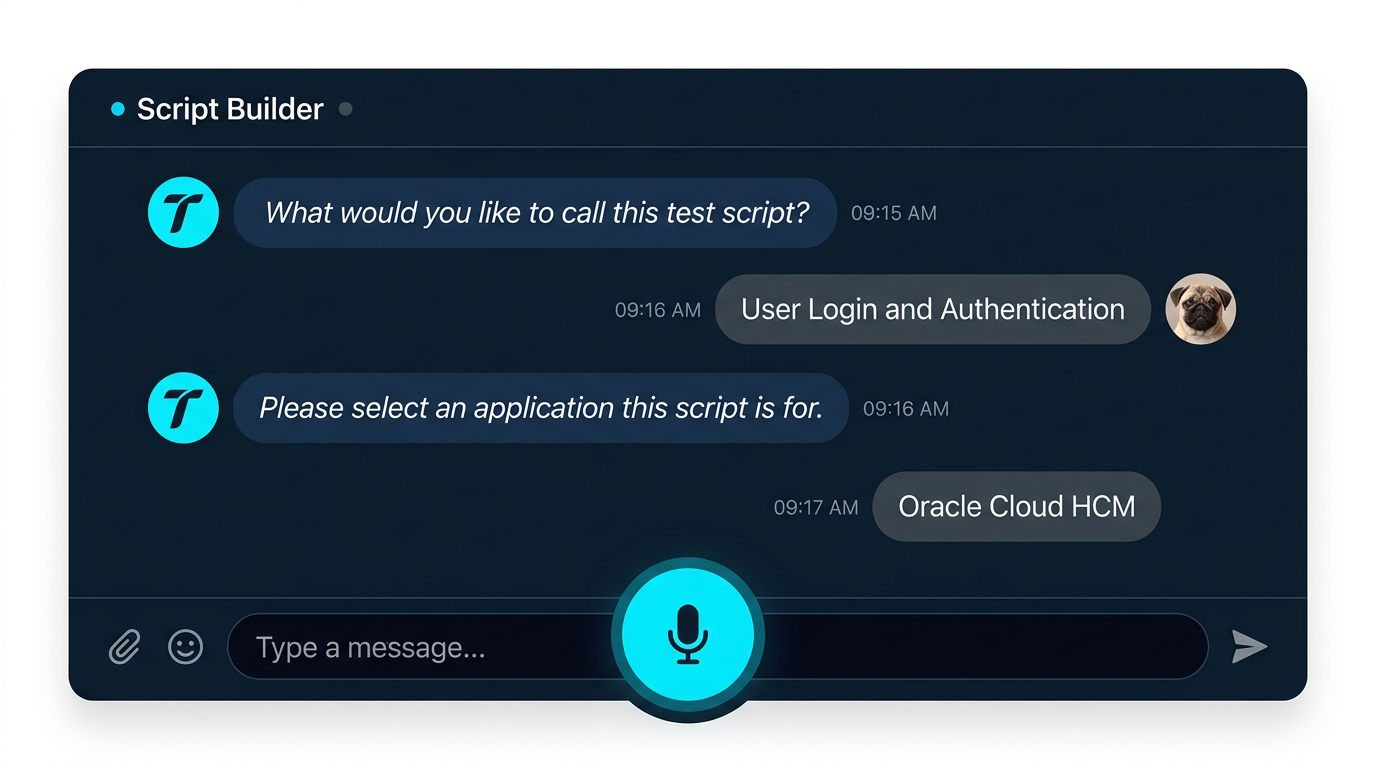
Provide the name and the software application
Enter the test script name and select the software application you’re testing, then click Let’s Start.
-
Turn on the mic to start recording
Enable the microphone and describe the steps as you perform them in your software.
-
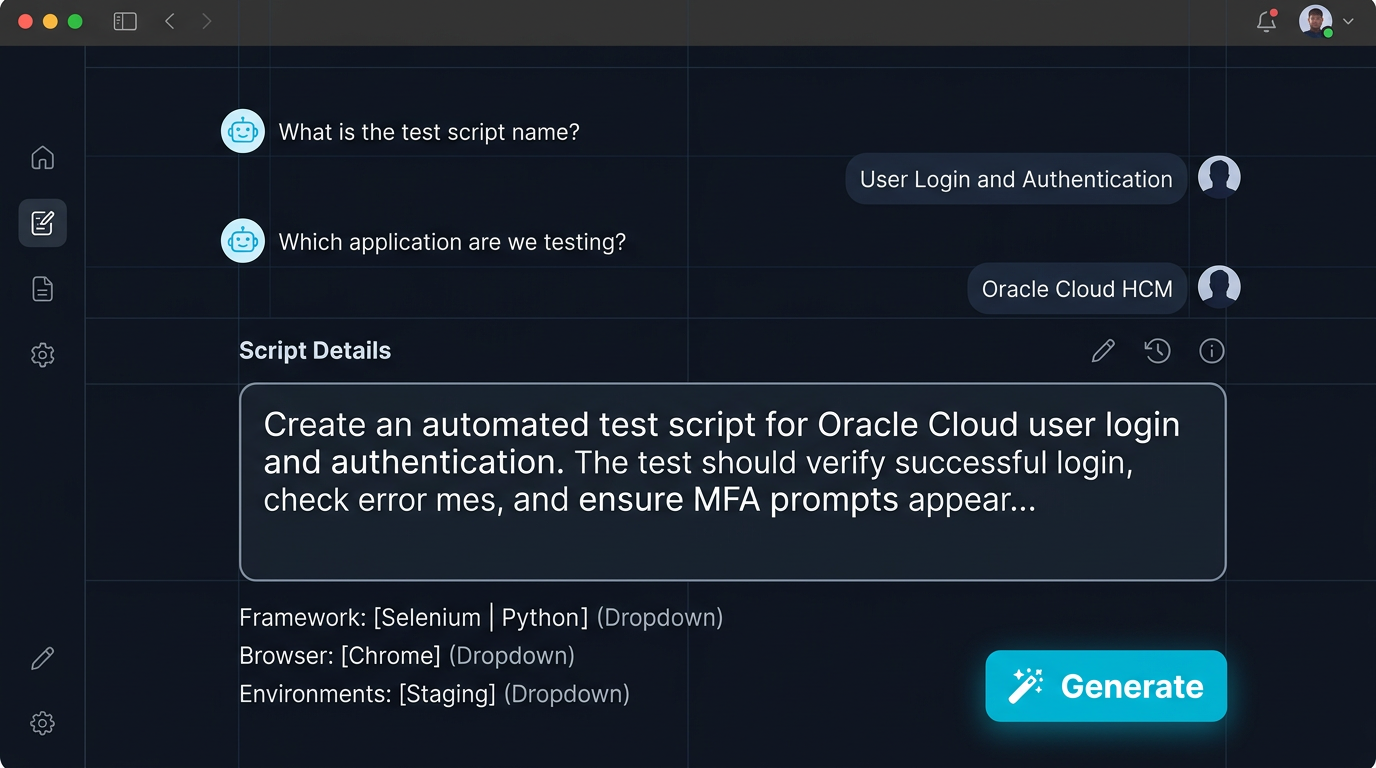
Click the Generate button
Review the AI-generated prompt summary, then click Generate to create your formatted test script.
-
The Result
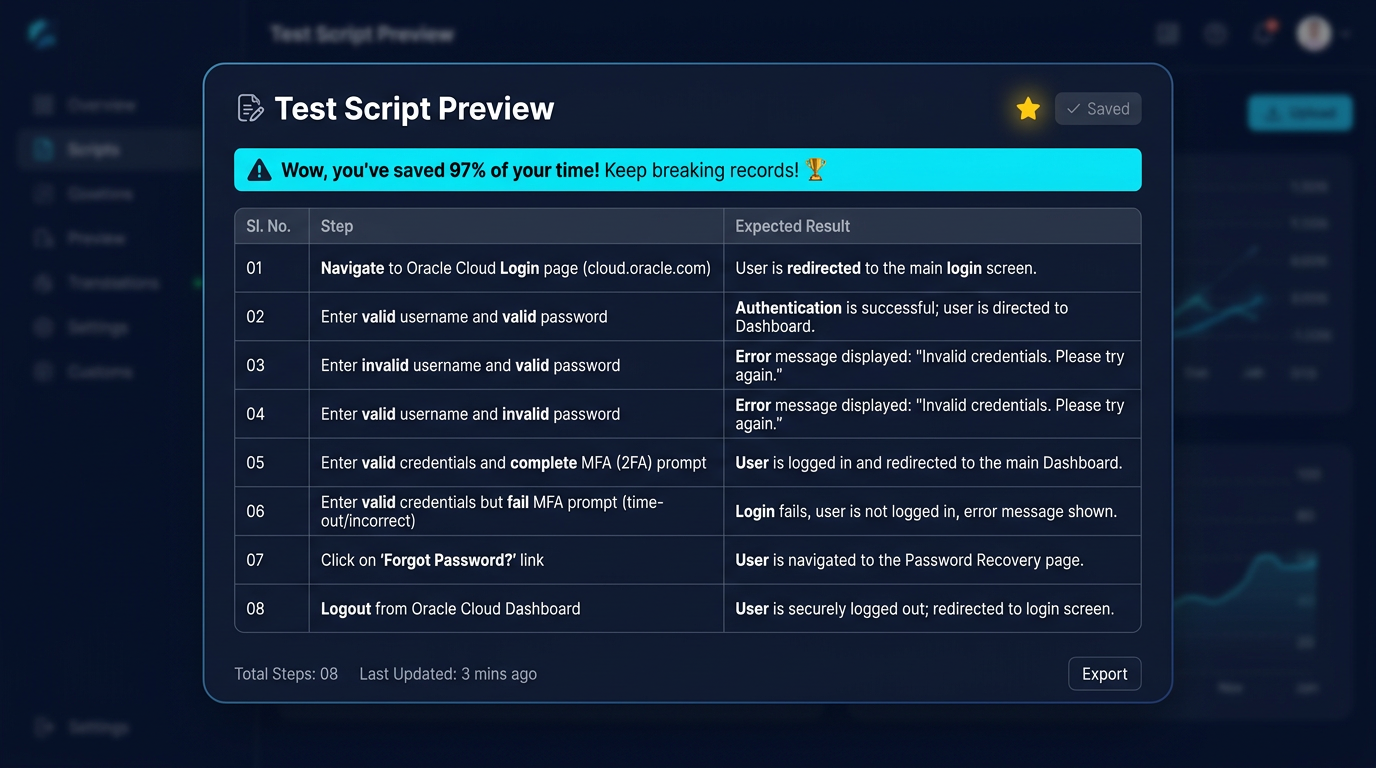
Preview your test script and download it to Excel, PDF, and more.