Onboarding Guide
Introduction
Welcome to the SaaSMap Onboarding Guide. This guide is designed to help users quickly locate the key resources, reference materials, and support content needed to begin using the application effectively.
By following this guide, users can familiarize themselves with where to find helpful information, understand the available documentation, and start their SaaSMap journey with greater confidence and clarity.
Logging into the Application
Click on the URL received in your registered email or enter the URL provided to you by the Camptra team in the browser.
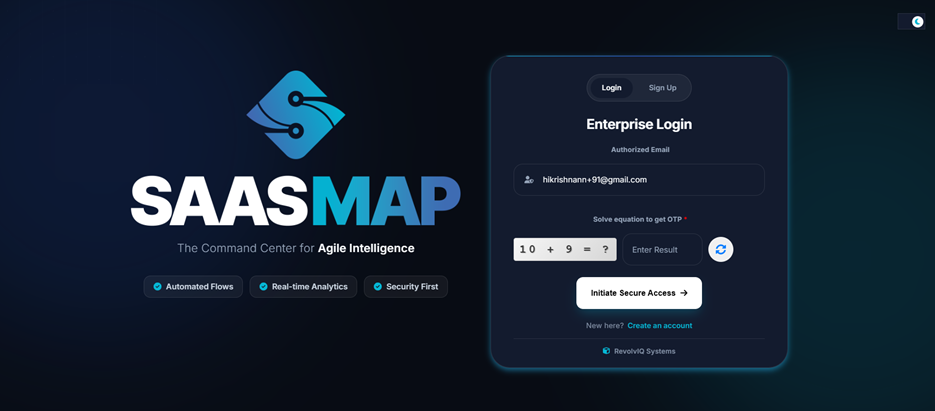
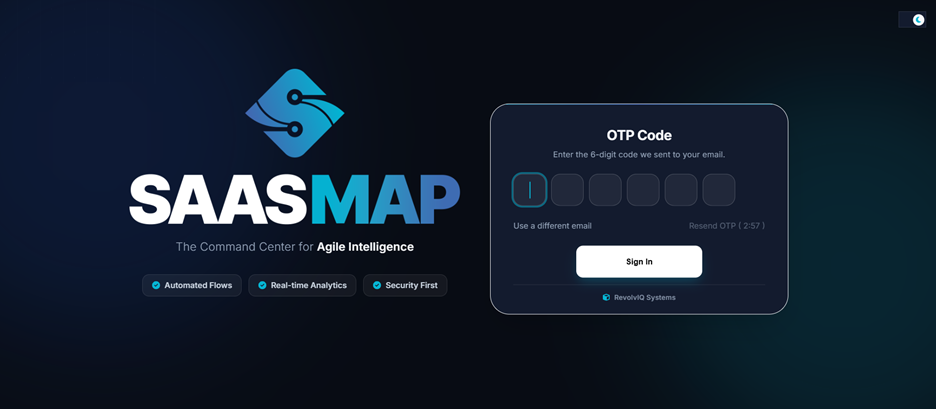
Login into the application by entering your registered email id, solving the equation and then entering the OTP sent to your registered email in the next screen.
After successful login you will be navigated to the Home page.
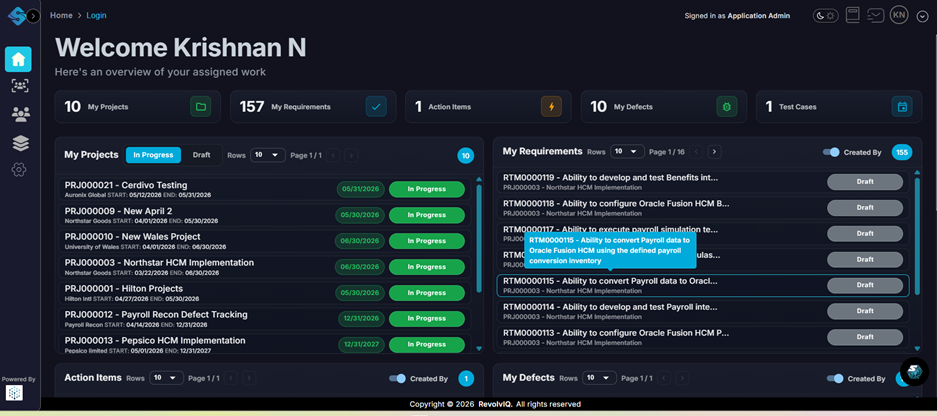
This is a typical view of the Home Page. Note that the details you will see will differ based on your assigned role.
SolvYa AI details
Click on the ‘SolvYa AI’ icon at the bottom right of the screen.
You will see the following screen.
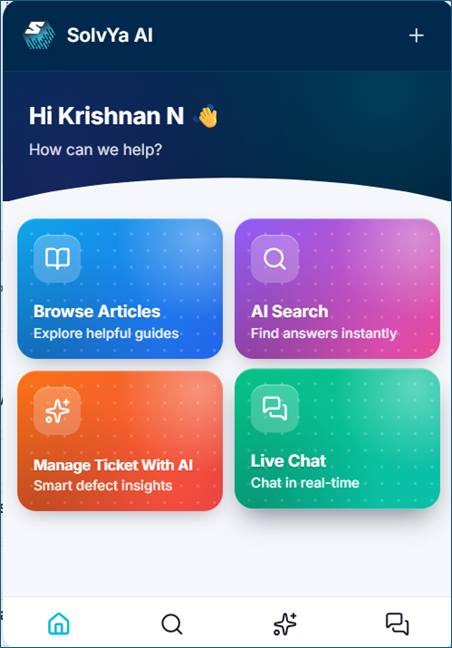
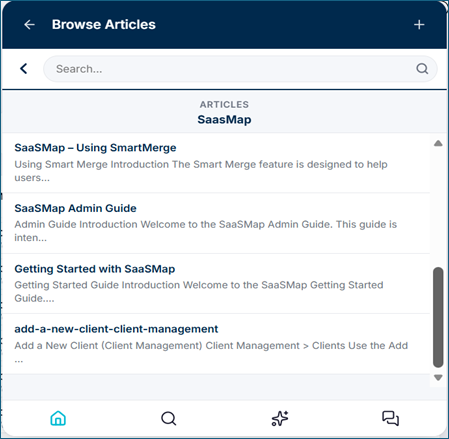
Click on the ‘Browse Articles’ tile to view available SaaSMap articles. You will see links to various articles there. Start with the “Getting Started with SaaSMap” guide.
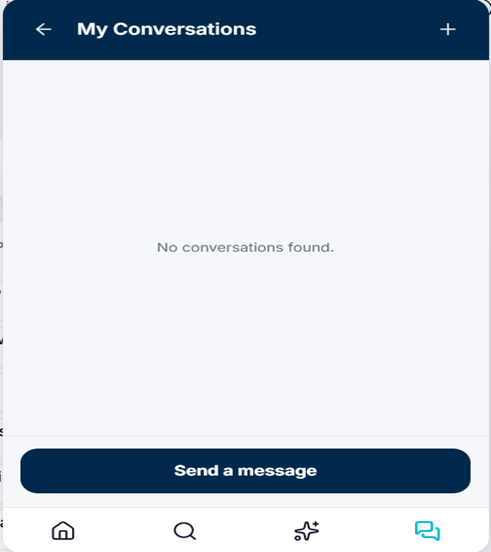
Click on the “Live Chat” tile to start a chat session with the support team. The team will respond as soon as a representative is available.
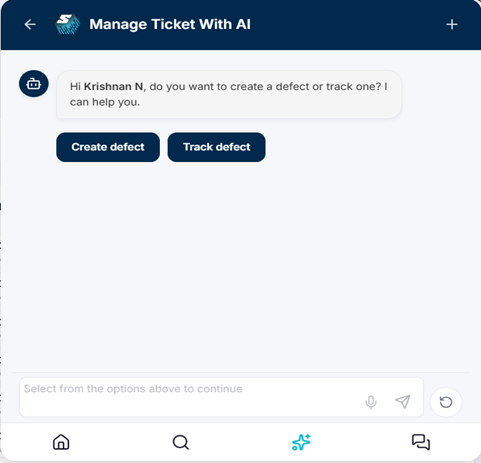
You can also use the “Manage Ticket with AI” option to open a support ticket. You will see the following screen. You can create a new issue or track existing issues.